DMS Web Local Exec – Managing OH&S Forms
- Searching
- Accepting / Rejecting OHSFs and Reassigning to a different Local
- Linking OHSFs
- Adding / Managing Stages, Events, and “Follow Up if Needed”
- Creating a new meeting and adding an OHSF to a meeting
- Closing OHSFs
1. Searching
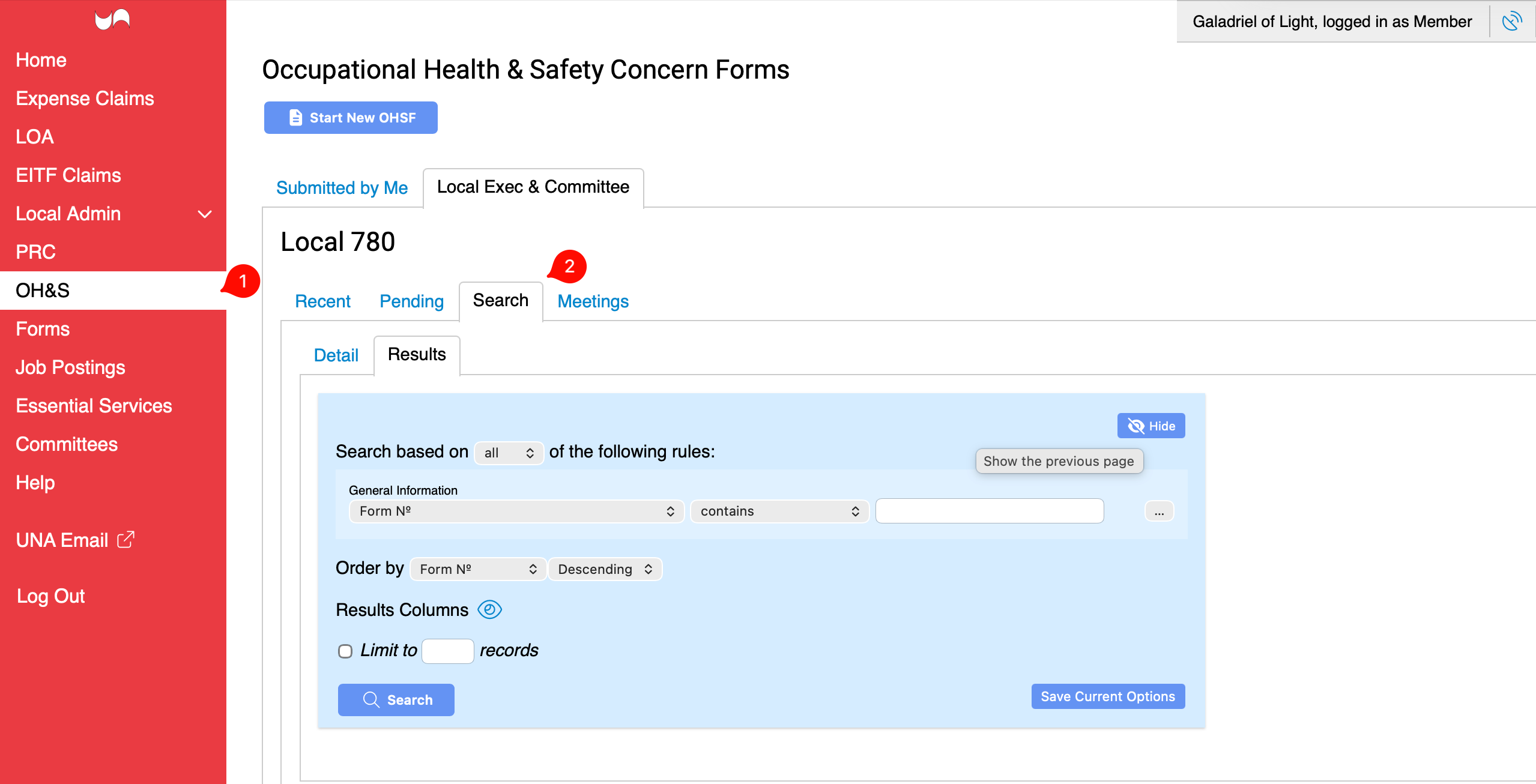
The OH&S tab will always default to Pending. The Recent list loads the 200 “most recent” OHSFs sorted by submitted date.
2. Accepting / Rejecting OHSFs and Reassigning to a different Local
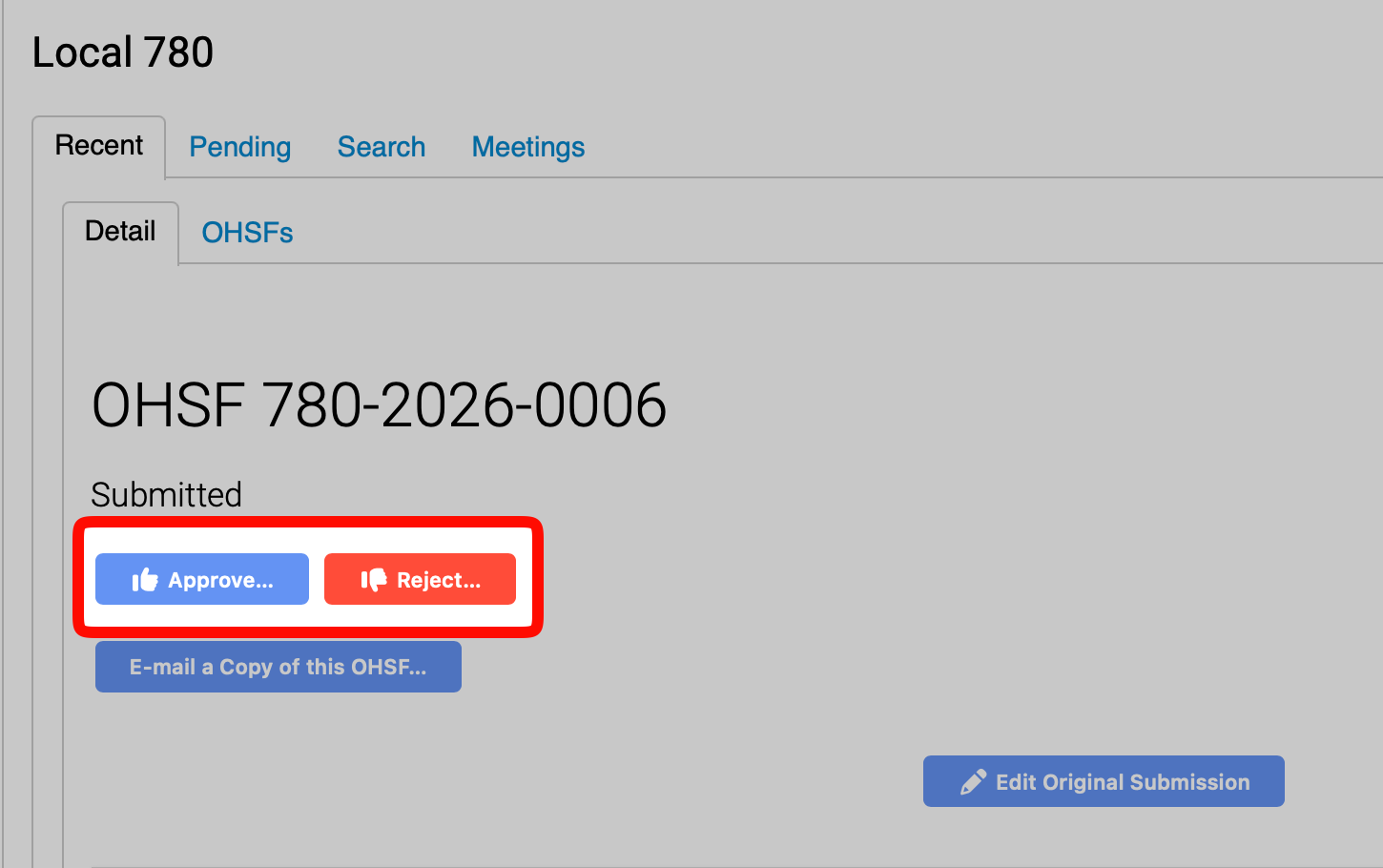
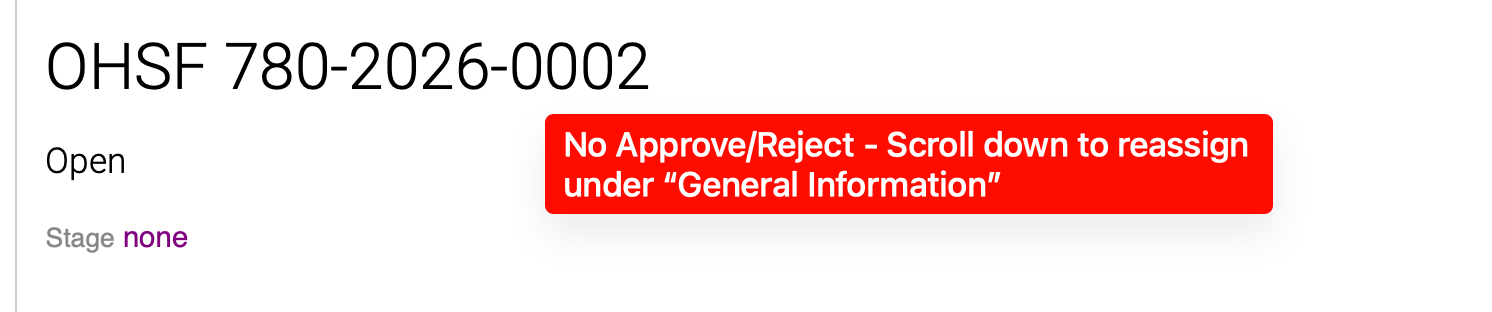
Here, you can Accept or Reject an OHSF:
To reassign to a different Local before it is approved:
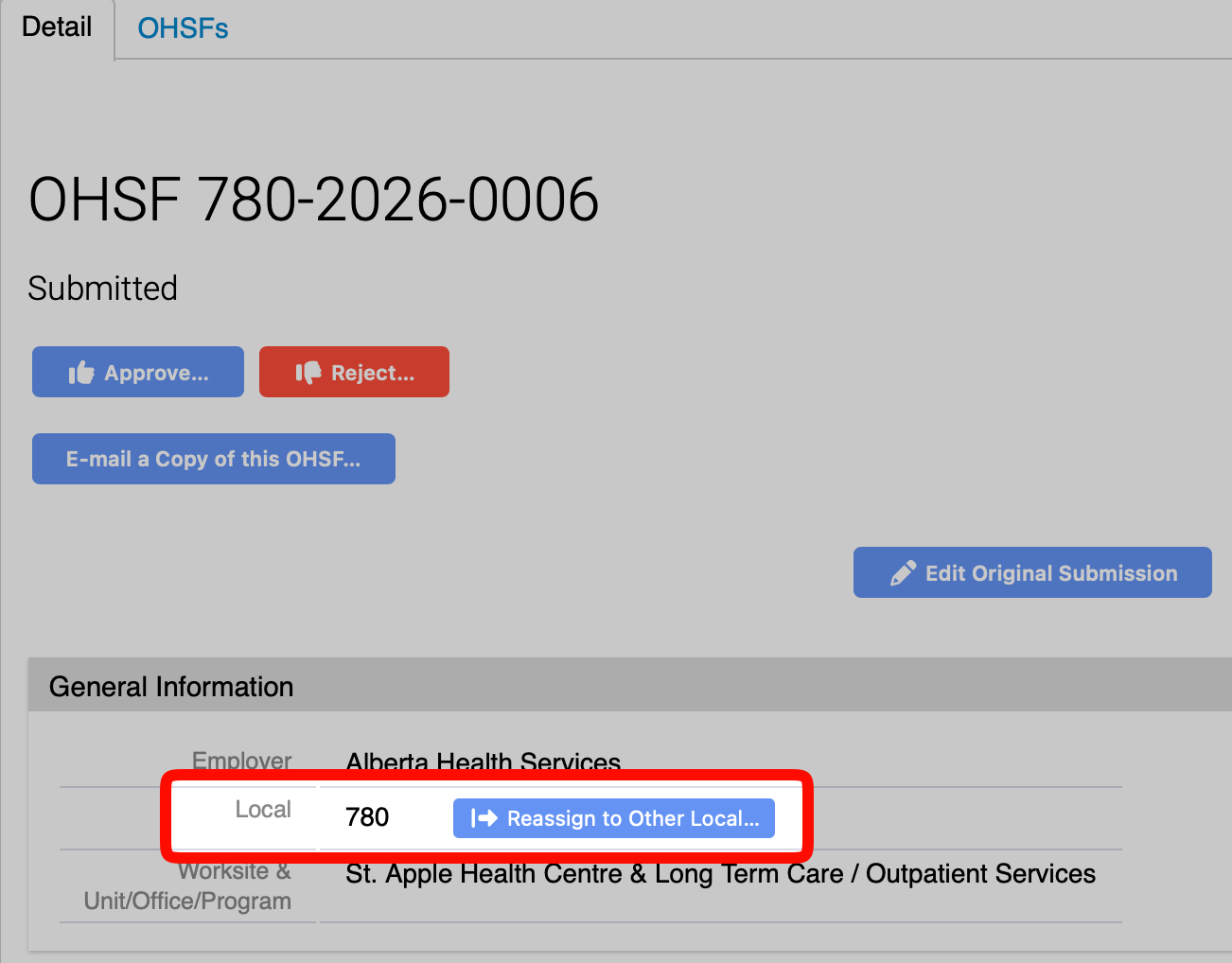
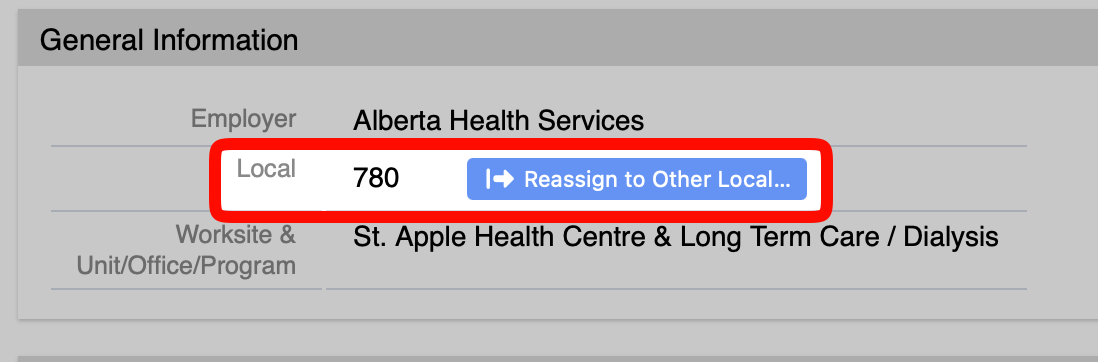
If it was accepted, but needs to be reassigned to a different Local, it will be under General Information.
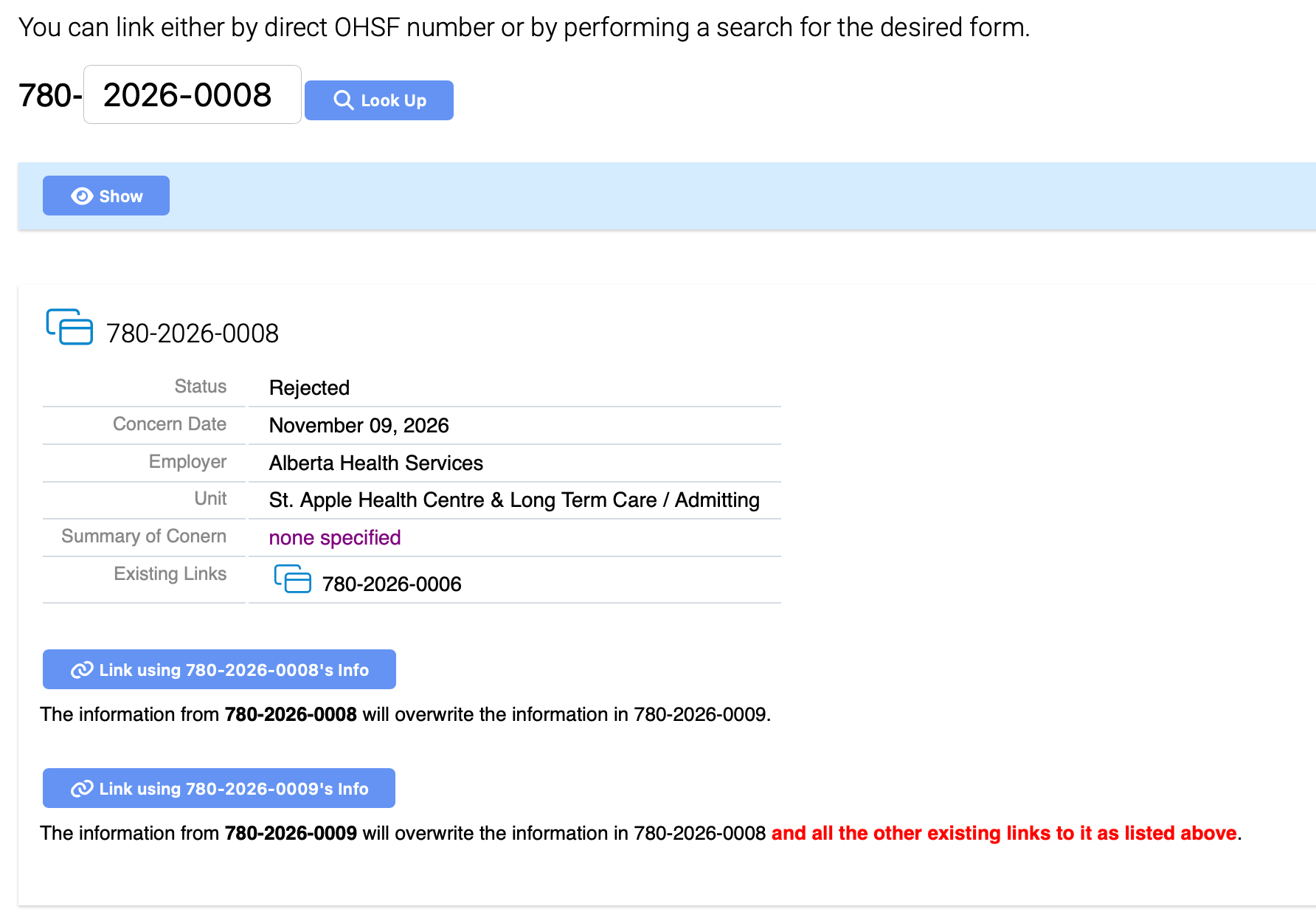
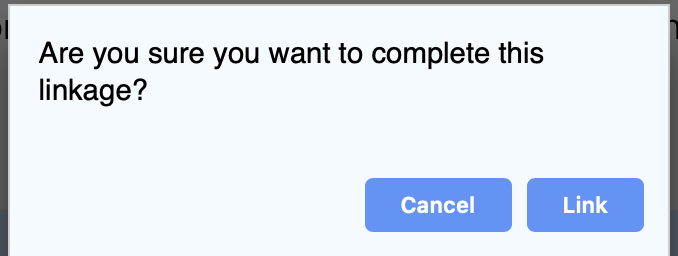
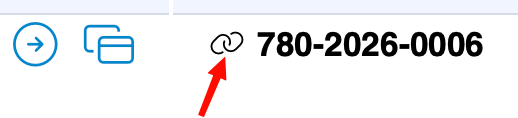
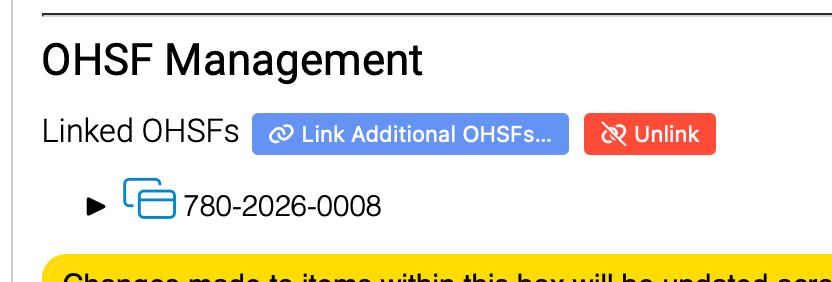
3. Linking OHSFs
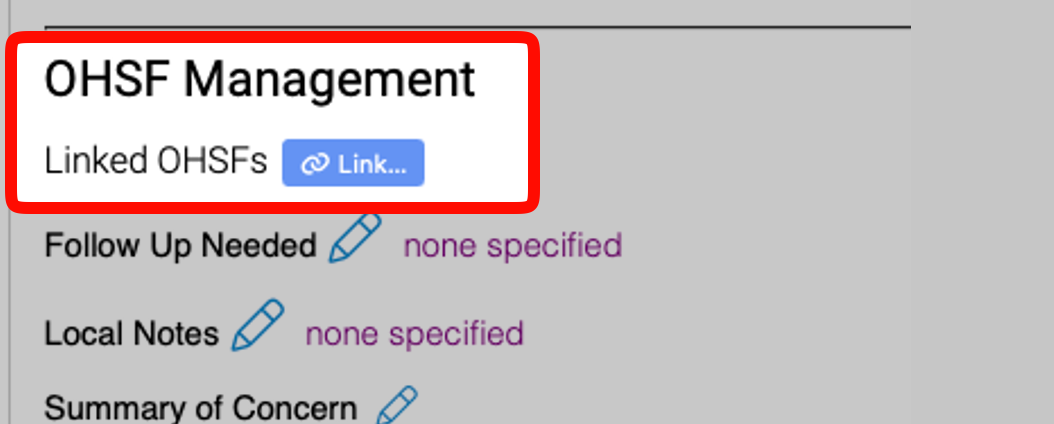
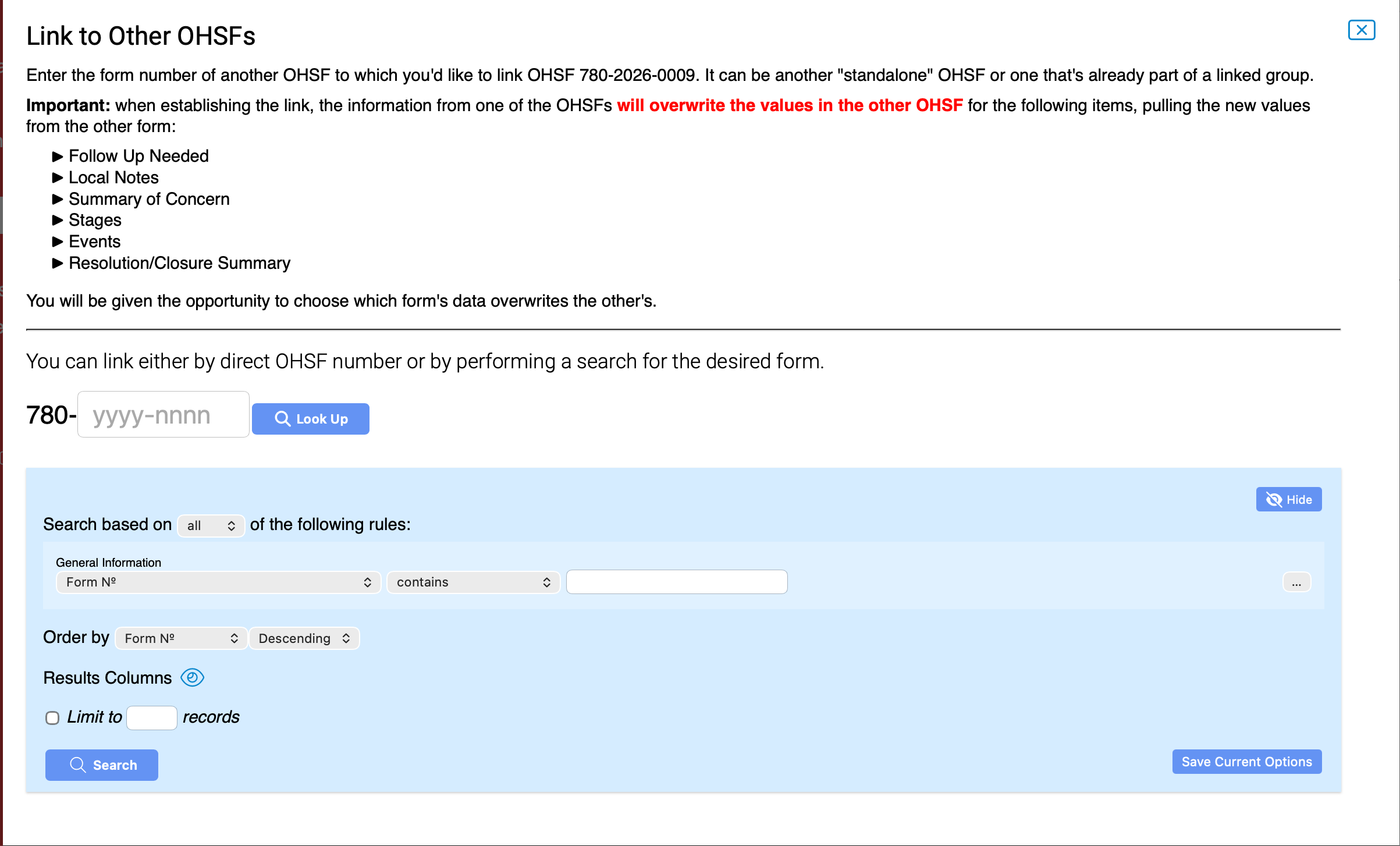
Please note: Attachments do not link. Additionally, please be very mindful of which OHSF you are linking. Ensure to select the form the has the Local notes, as well as the Stage Meetings added.
Everything included in the yellow outlines are linked.
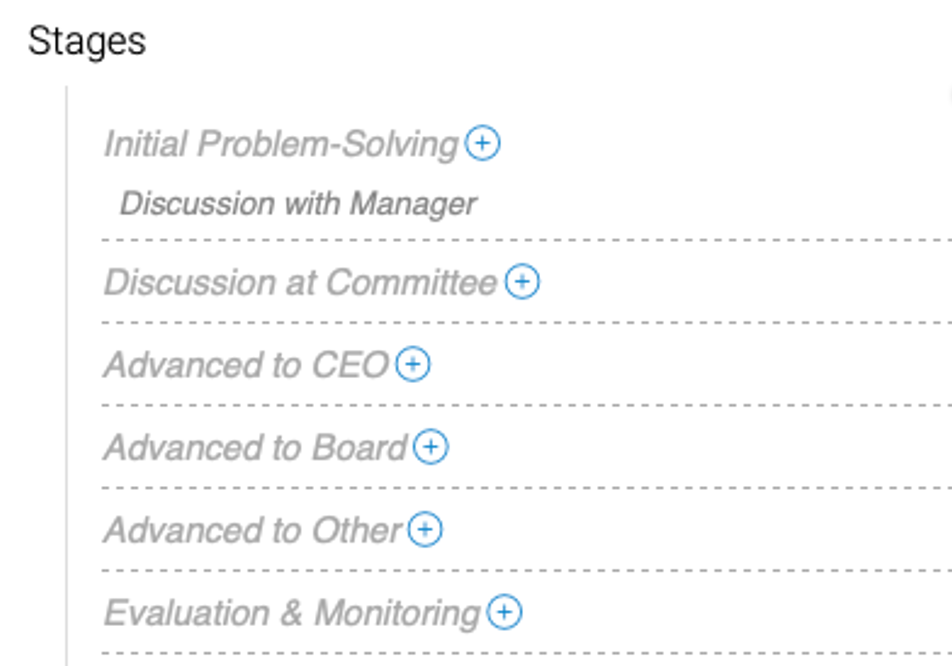
4. Adding/Managing Stages.
There are 6 stages:
- Initial Problem-Solving
- Discussion at Committee
- Advanced to CEO
- Advanced to Board
- Advanced to Other
- Evaluation & Monitoring
Follow Up:
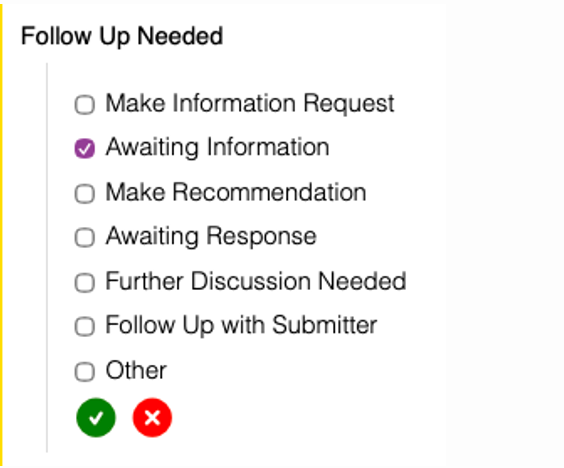
Note: The Follow Up Needed and Stage is displayed to the Primary Signatories. The notes included in the Stages are not visible to the Primary Signatories.
5. Creating a new meeting and adding an OHSF to a meeting
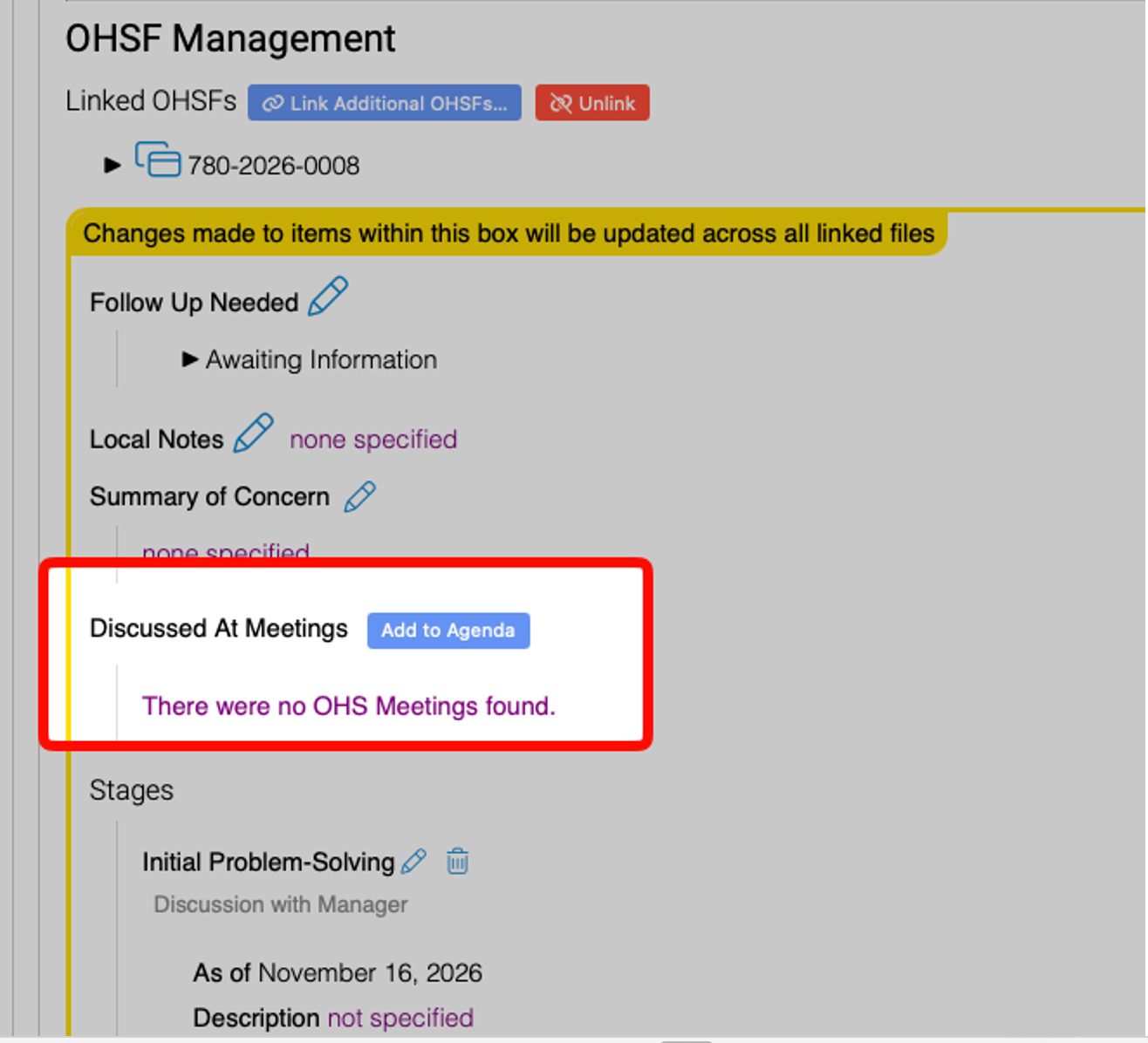
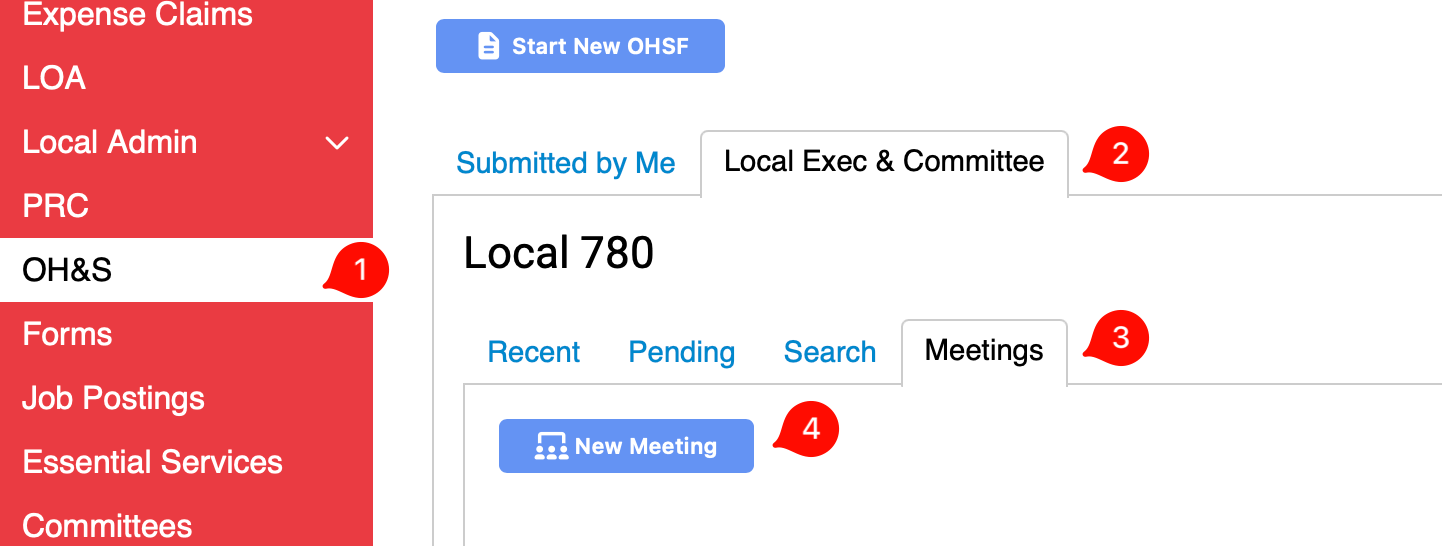
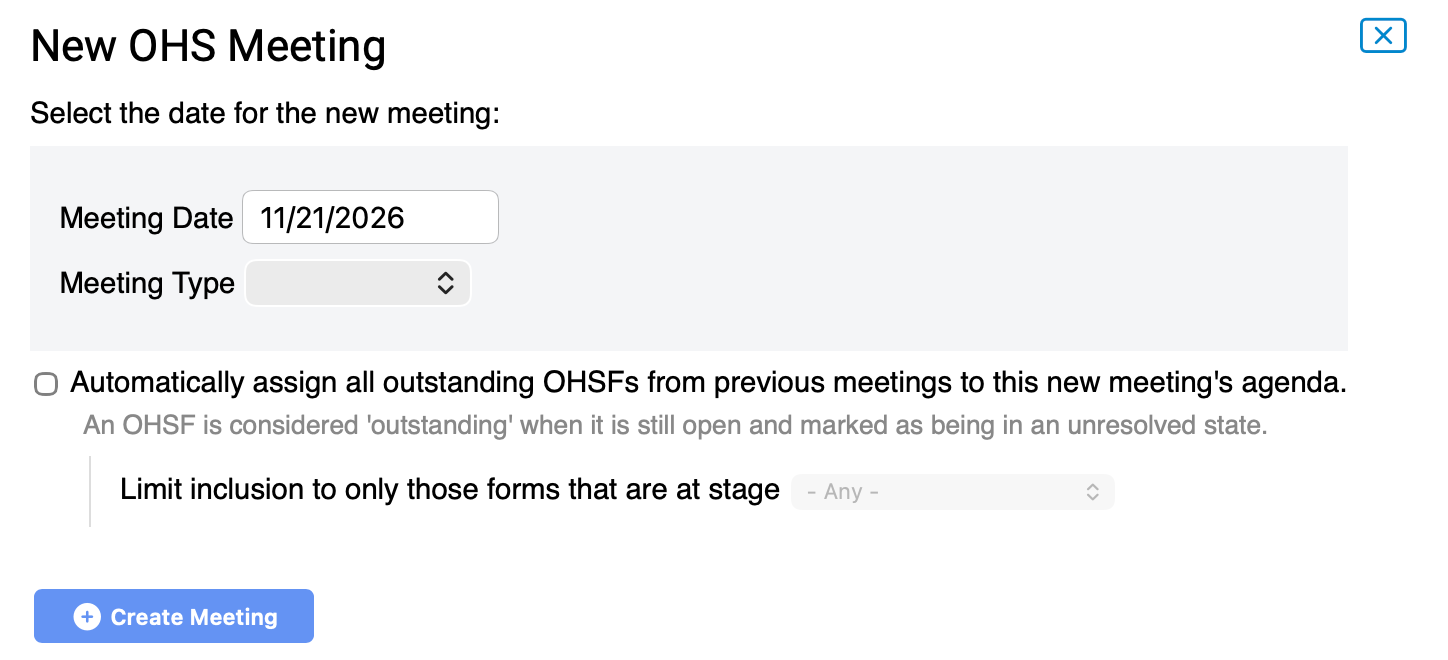
There are two ways to create a new Meeting:
- From the OHSF: Under the section OHSF Management
- From the Meetings tab:
6. Closing OHSFs
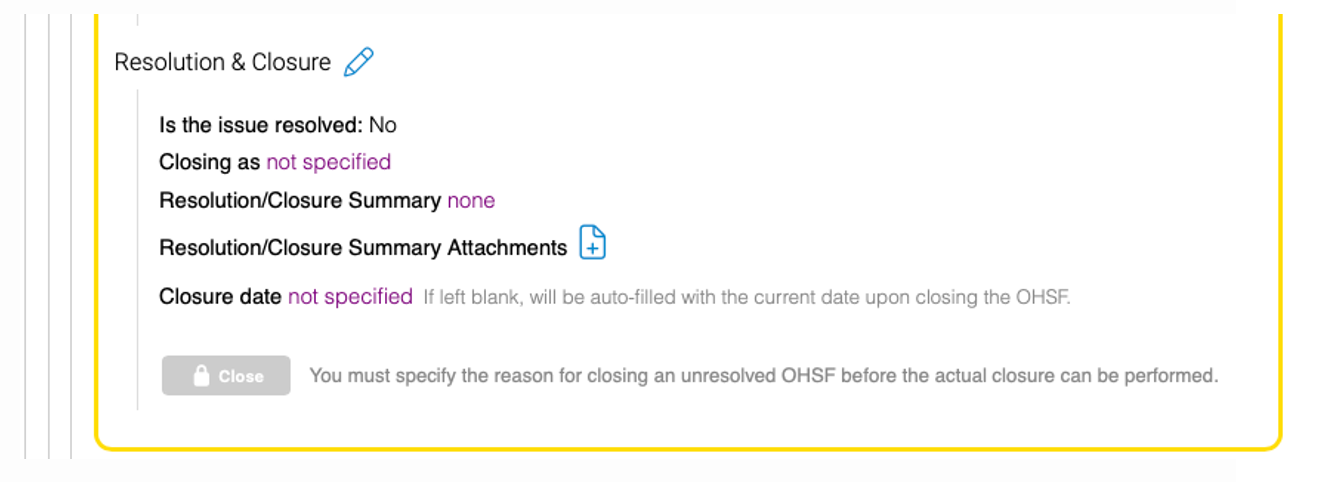
Please Note: This will close all linked forms.
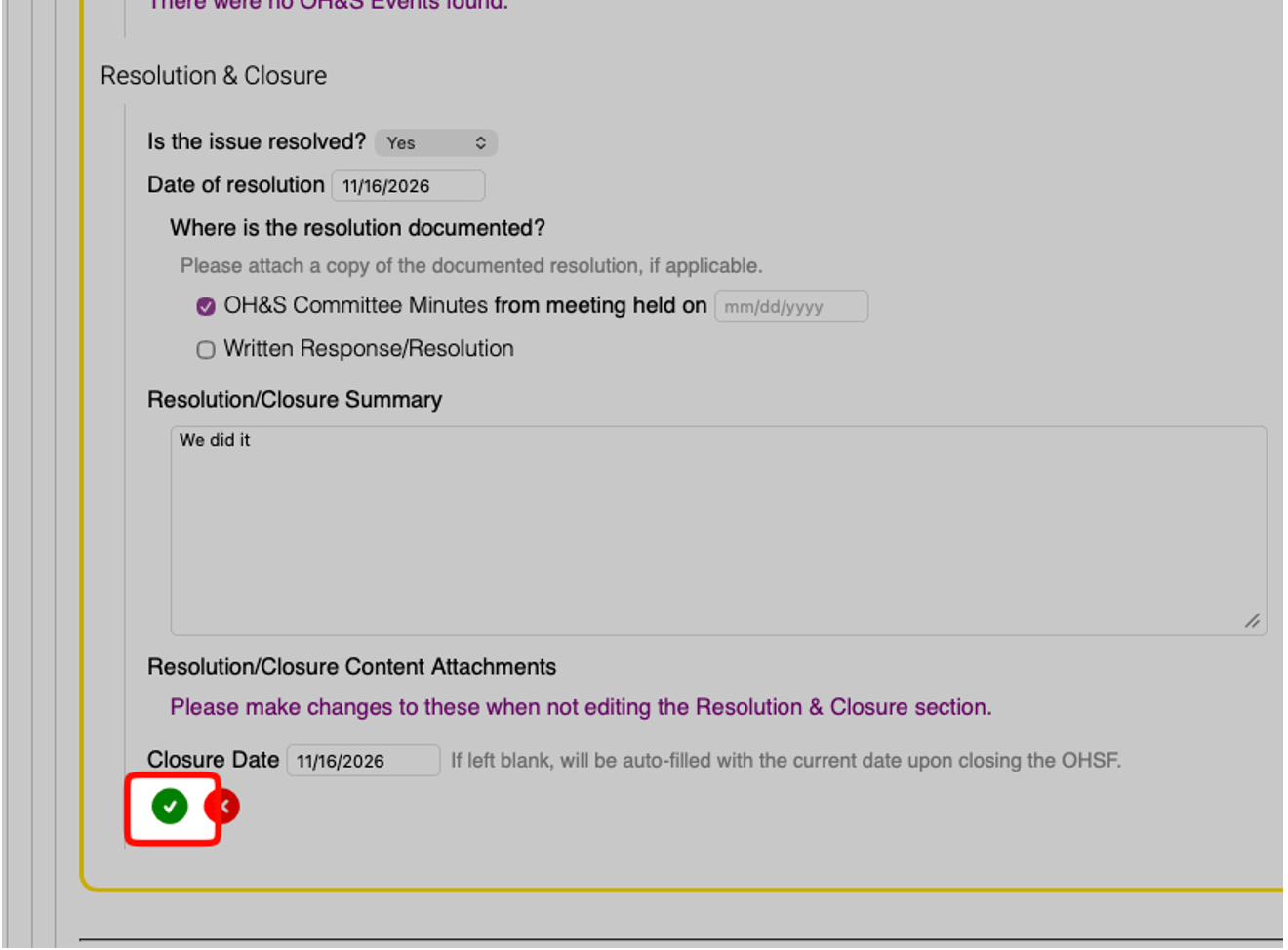
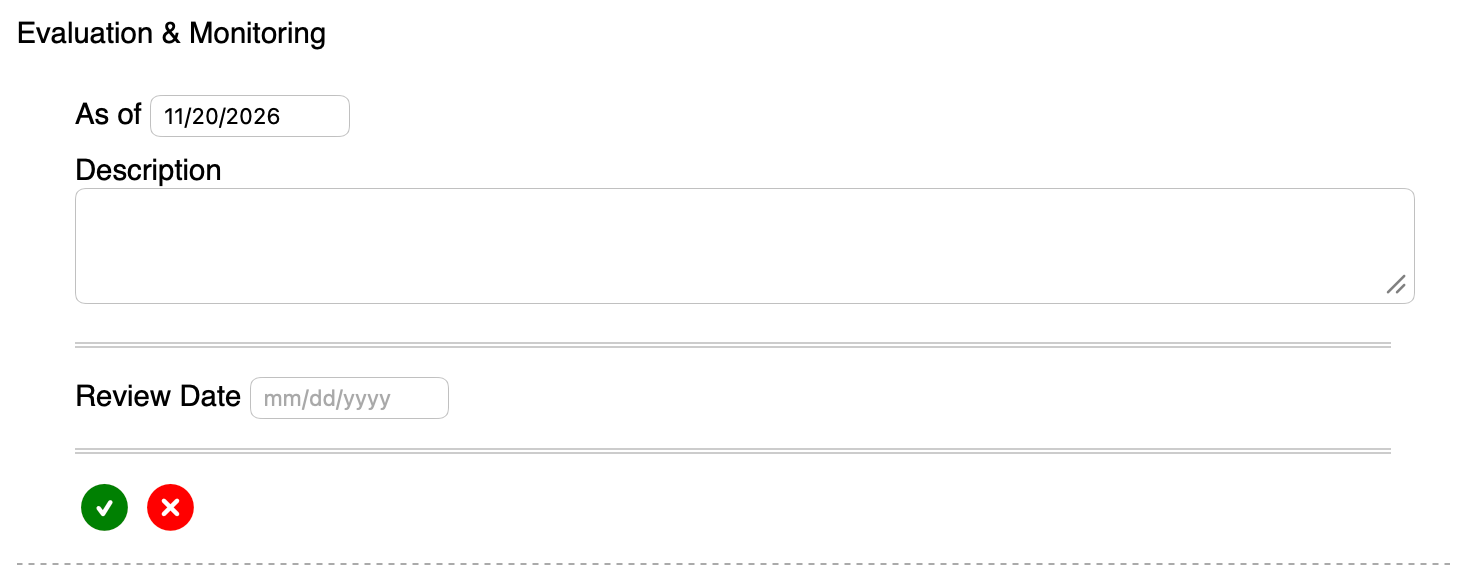
If the issue has been resolved, however, there is a need to monitor for it a bit – there is an Evaluation Monitoring Stage you can choose: