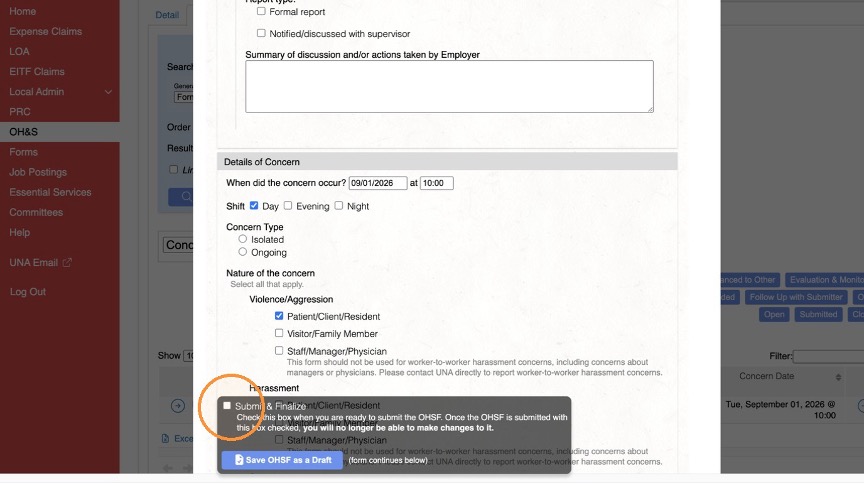
Create an OHSF
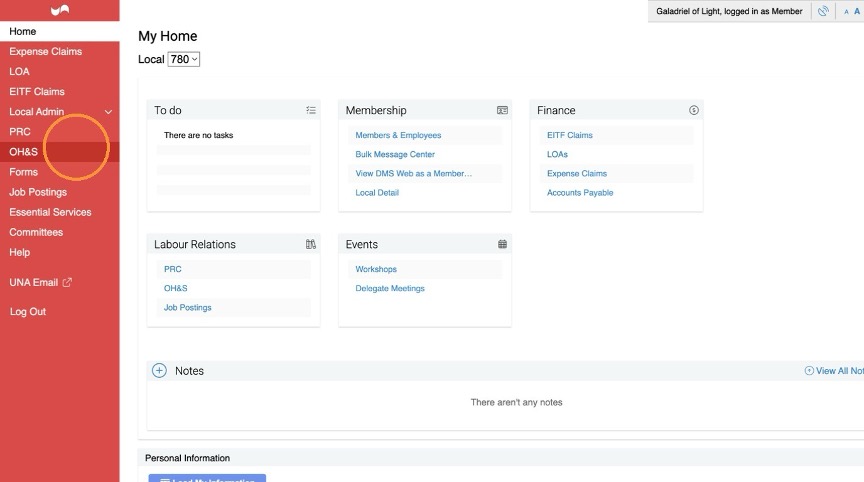
- Click OH&S in the left navigation menu
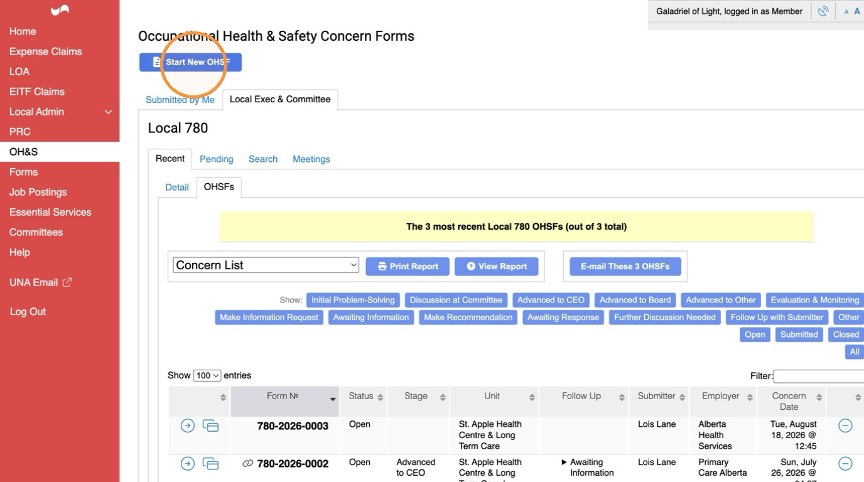
- Click Start New OHSF
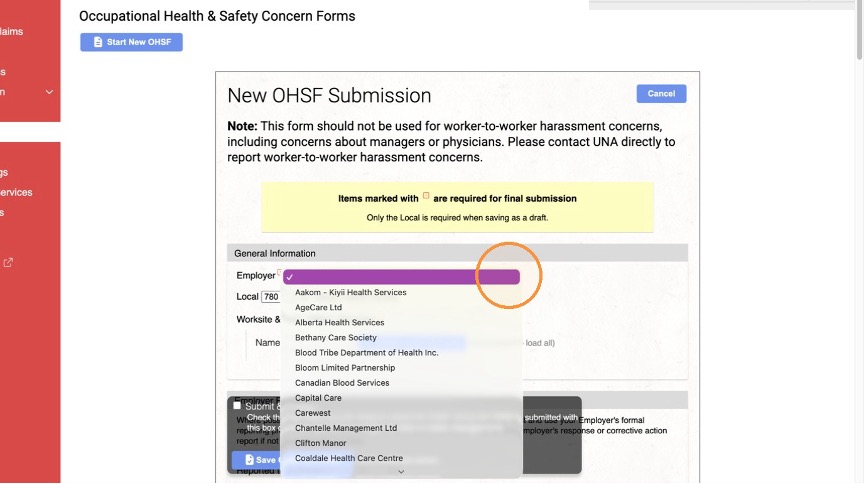
- Select an Employer and Local from the dropdown lists. You will be able to choose any Employer or Local
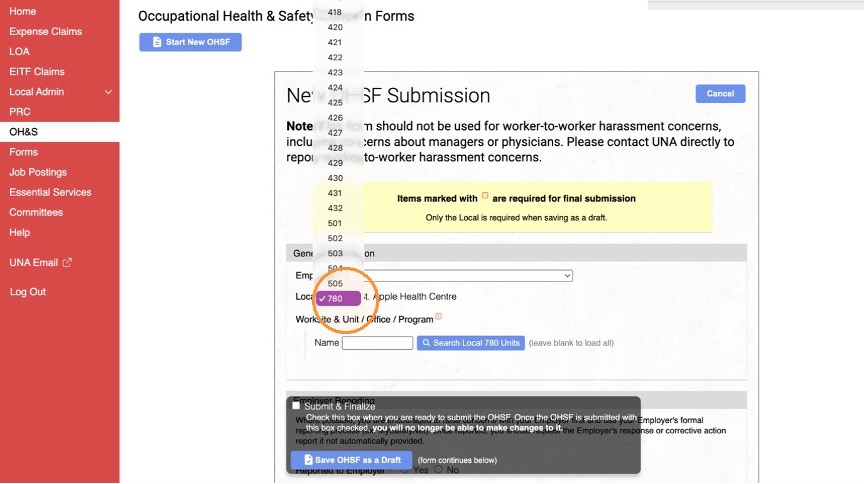
- Certain fields, such as Concern Type, will expand for more options.
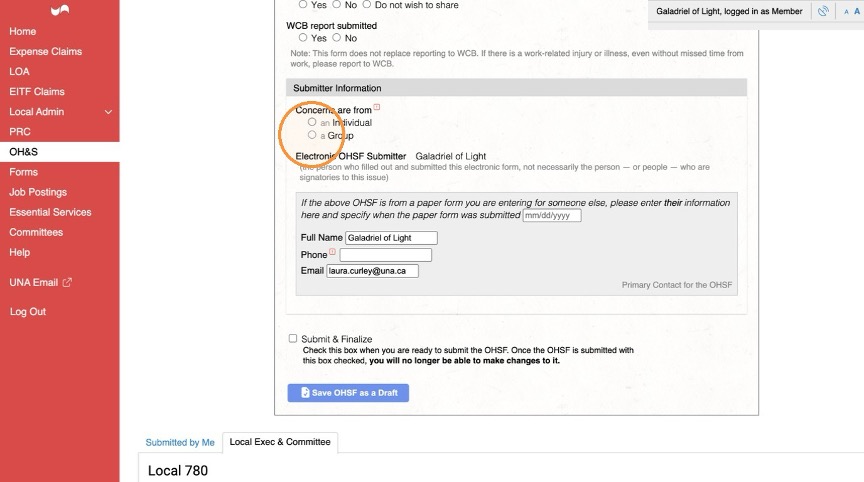
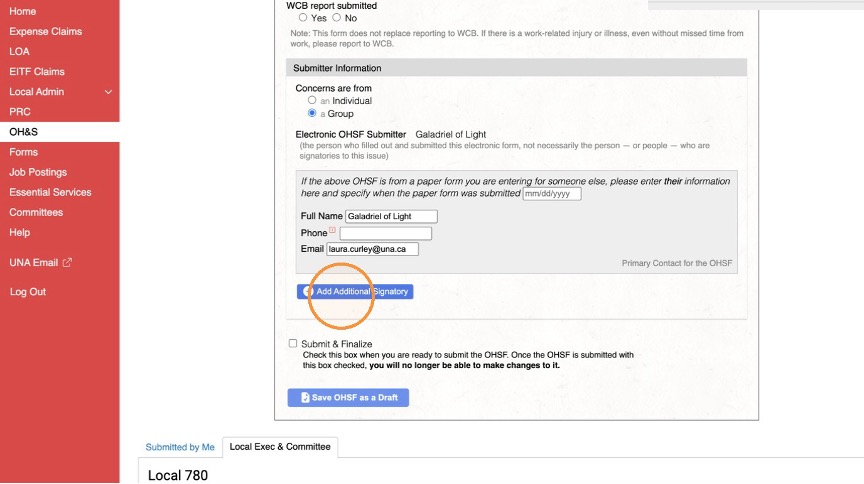
Manage Signatories
- You can Manage Signatories if it is submitted as a Group.
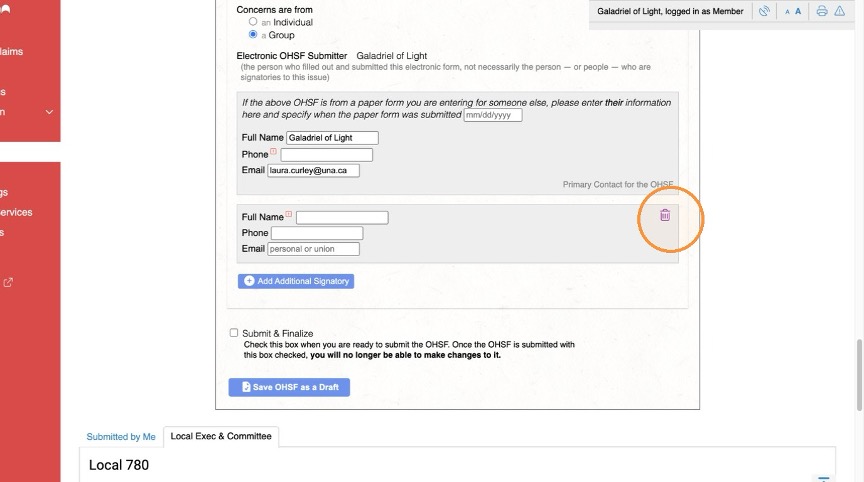
Save and Review
- You can save the OHSF as a Draft.
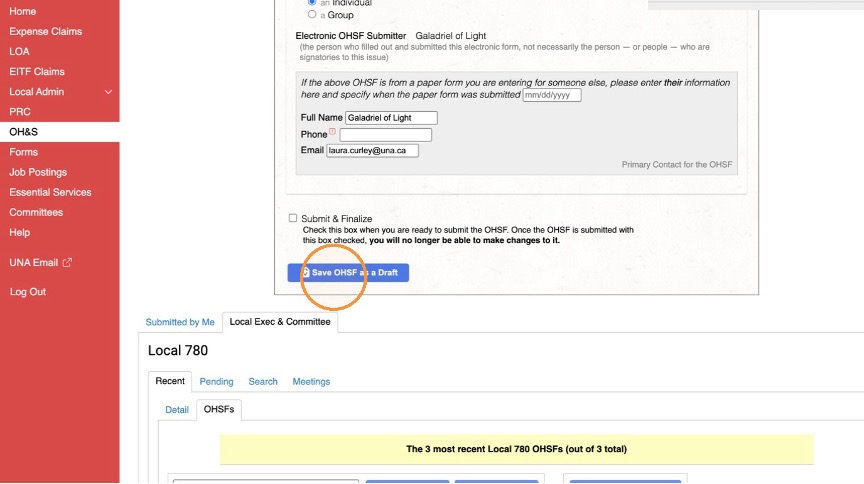
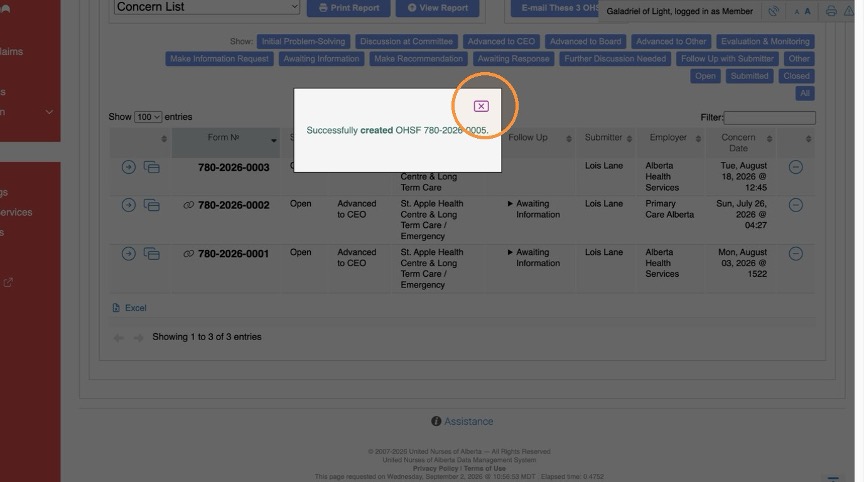
- Saving as a Draft will prompt a confirmation dialog
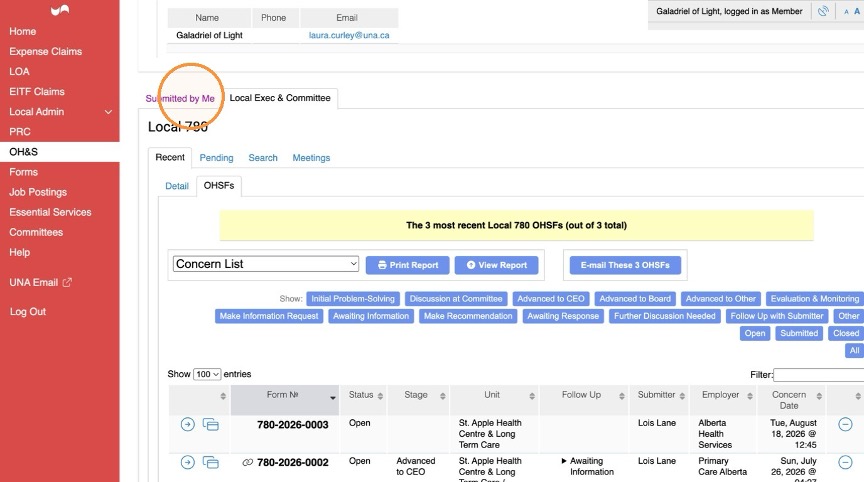
- To Edit the Draft, go to the Tab “Submitted by Me”
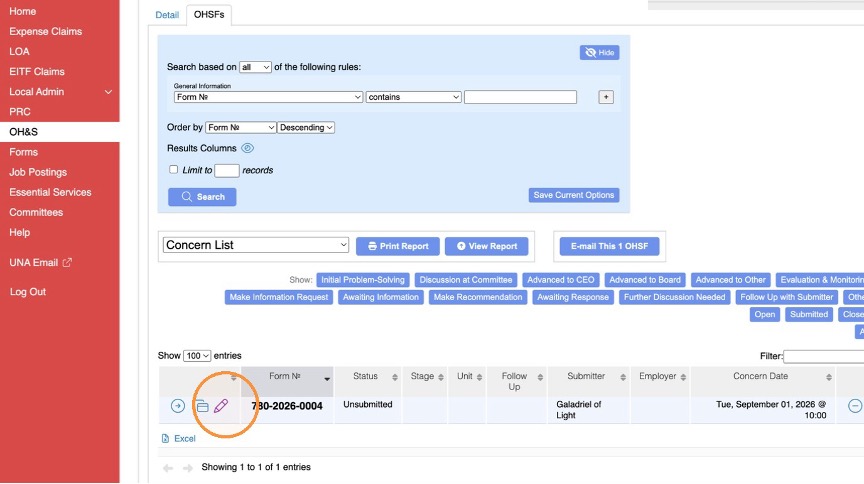
- Check Submit & Finalize. Once you click this box, you will not be able to edit it further.